Choose a flask
Tap a bottle, then another bottle with a matching top colour or an empty space.
A small ritual of logic
Step into an illustrated apothecary and separate the layers. A simple pour becomes a satisfying puzzle of space, colour, and foresight.
Explore Potion SortGet help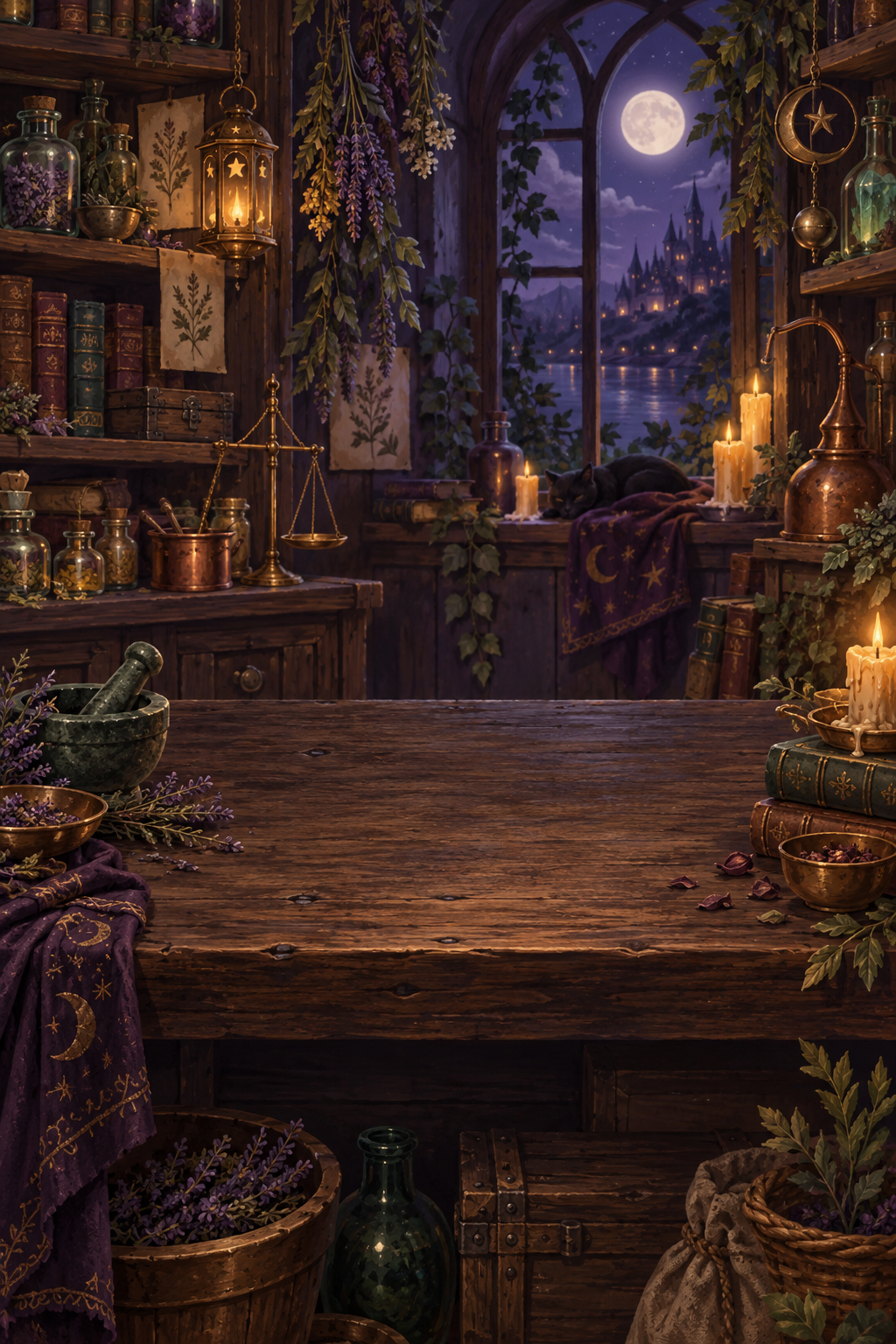

Potion Sort
Tap a bottle, then another bottle with a matching top colour or an empty space.
Keep a spare flask available. Matching layers move together when there is room.
Separate every colour, then take the next stage at your own pace.
A little help
No account is required. Progress and settings are saved on your device.
Read the app privacy policy →Yes. The game content is included in the app and gameplay works offline.
Progress and preferences are stored locally. Device backup or transfer features may preserve app data according to your operating system settings. The developer does not provide a cloud-save account.
Open the in-game settings and choose English, Ukrainian, or Russian. The app remembers your choice.
Use the reset-progress option in the game's settings. You can also clear the app's storage in Android settings. Resetting is permanent, so check the confirmation carefully.
Write to GREY FOUNDRIES LTD at the address below, marked “Potion Sort support”. Include your device model, Android version, app version, and the steps that caused the problem. Do not include passwords or payment information.
The publisher
Registered in England and Wales · Company 16945396
For support or a privacy enquiry, please name Potion Sort in your correspondence.